Bài viết gần đây
| Làm Sạch & Xử Lý Dữ Liệu Với Python (Data Cleaning & Preprocessing)
Được viết bởi thanhdt vào ngày 09/12/2025 lúc 19:00 | 218 lượt xem

Làm Sạch & Xử Lý Dữ Liệu Với Python (Data Cleaning & Preprocessing)
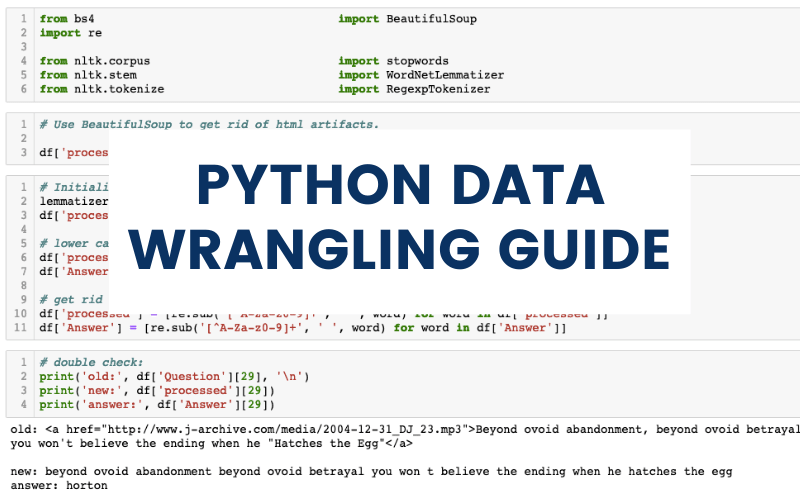
Dữ liệu thực tế luôn bẩn: thiếu dữ liệu, giá trị sai, định dạng lộn xộn, trùng lặp, đơn vị không thống nhất…
Vì vậy, bước làm sạch dữ liệu (Data Cleaning) là quan trọng nhất trong phân tích dữ liệu.
80% thời gian của Data Analyst là dành cho việc xử lý dữ liệu!
Bài 3 giúp bạn:
- Xử lý dữ liệu thiếu (missing values)
- Loại bỏ trùng lặp
- Chuẩn hóa kiểu dữ liệu
- Loại bỏ outliers
- Tạo cột mới
- Cắt – ghép – gộp dữ liệu
- Xử lý ngày tháng
- Làm sạch text
- Chuẩn hóa dữ liệu phục vụ thống kê
1. Kiểm tra dữ liệu thô
import pandas as pd

df = pd.read_csv("sales.csv")

df.info()
df.describe()
df.head()
Thông tin cần xem:
- Kiểu dữ liệu (object, int, float, datetime)
- Dữ liệu thiếu
- Các giá trị bất thường
- Cột chứa dấu cách/ ký tự sai
2. Xử lý dữ liệu thiếu (Missing Values)
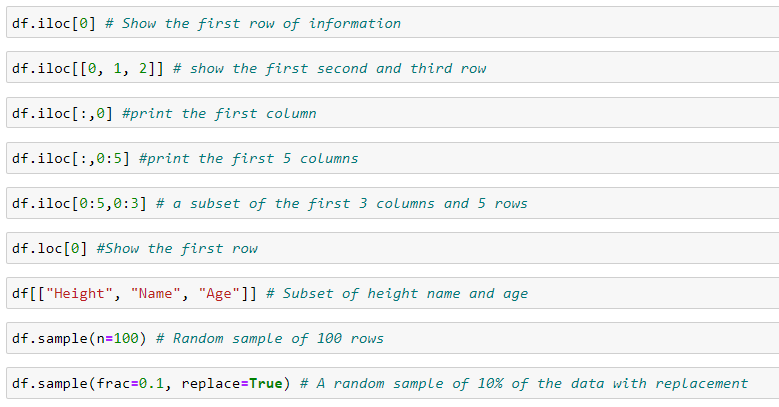
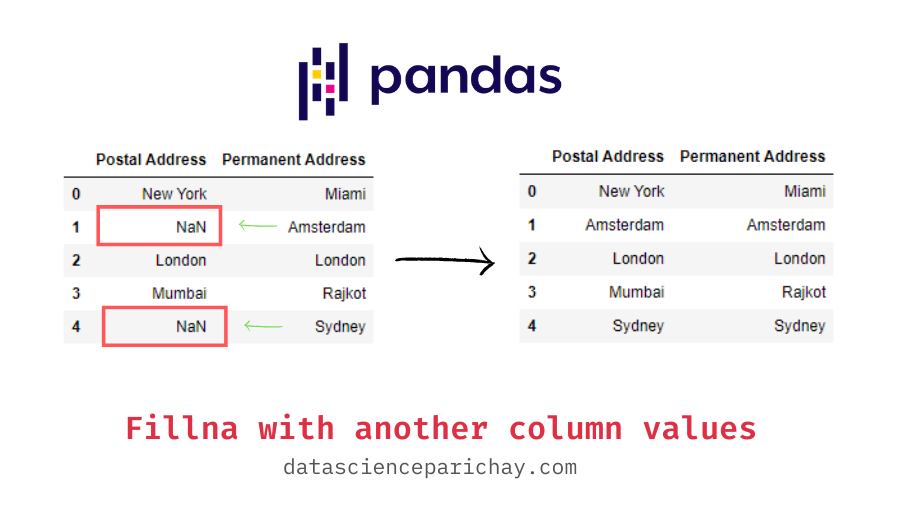

Kiểm tra missing:
df.isna().sum()
Cách xử lý missing values
(1) Xóa dòng thiếu dữ liệu
df = df.dropna()
(2) Thay thế bằng giá trị trung bình / trung vị
df["revenue"] = df["revenue"].fillna(df["revenue"].mean())
(3) Thay bằng giá trị phổ biến nhất (mode)
df["category"] = df["category"].fillna(df["category"].mode()[0])
(4) Thay bằng giá trị tùy chọn
df["status"] = df["status"].fillna("unknown")
3. Xử lý trùng lặp (Duplicates)

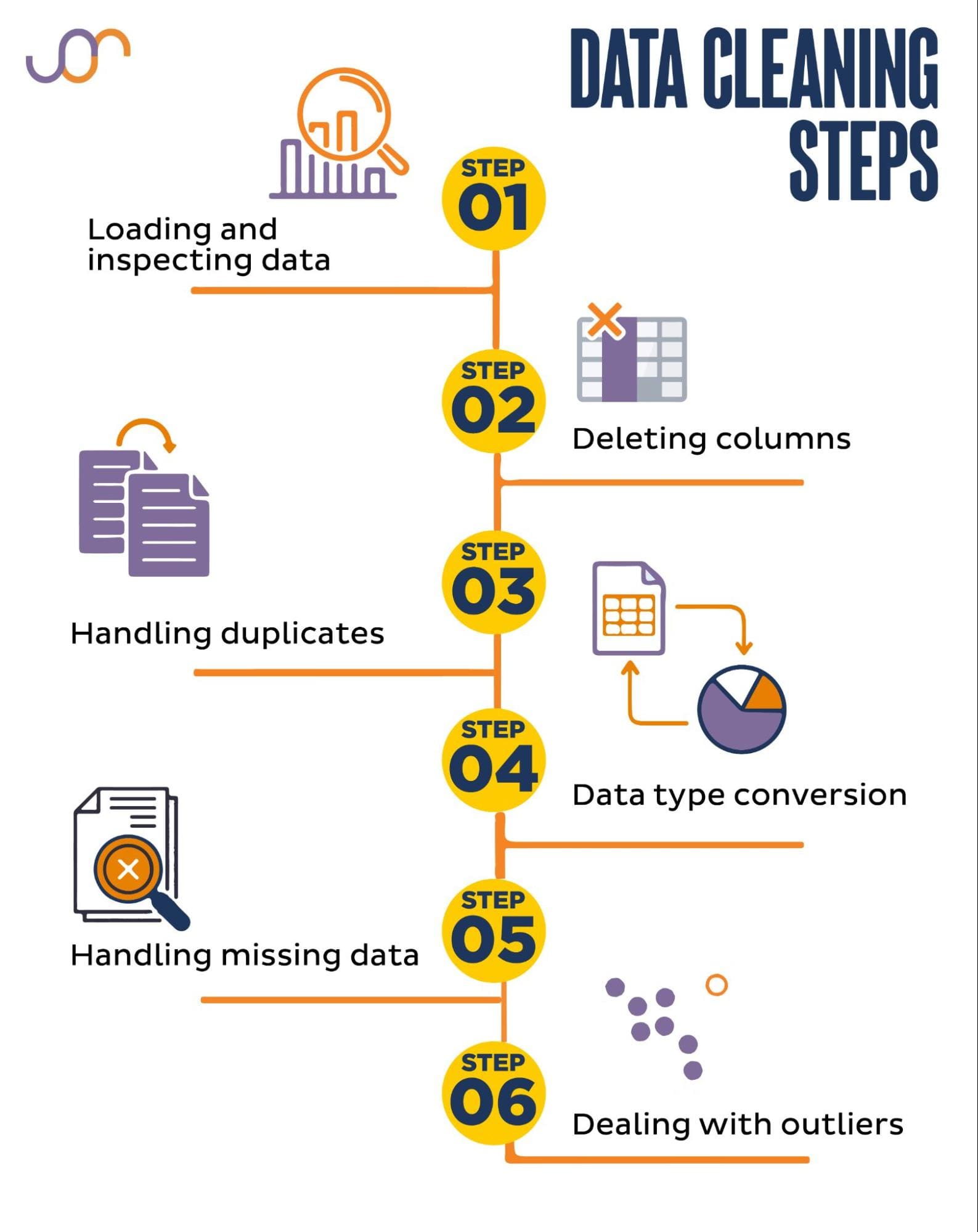

Kiểm tra số bản ghi trùng:
df.duplicated().sum()
Xóa bản ghi trùng:
df = df.drop_duplicates()
Xóa trùng theo cột:
df = df.drop_duplicates(subset=["order_id"])
4. Chuẩn hóa kiểu dữ liệu (Data Types Cleaning)
Chuẩn hóa số:
df["price"] = pd.to_numeric(df["price"], errors="coerce")
Chuẩn hóa ngày tháng:
df["date"] = pd.to_datetime(df["date"], format="%Y-%m-%d")
Chuẩn hóa text:
df["name"] = df["name"].str.strip().str.lower()
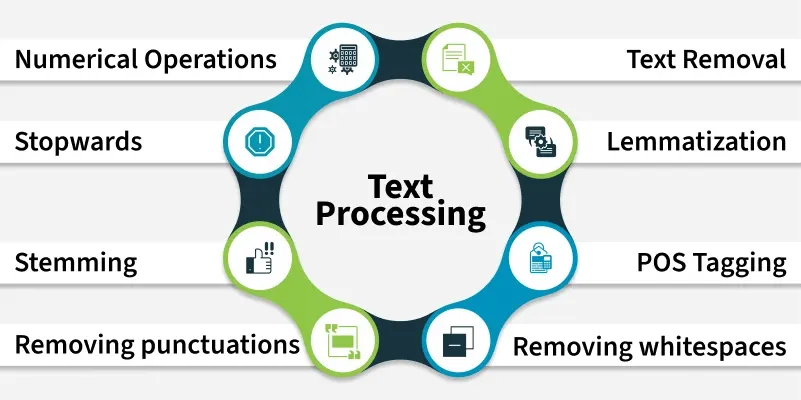
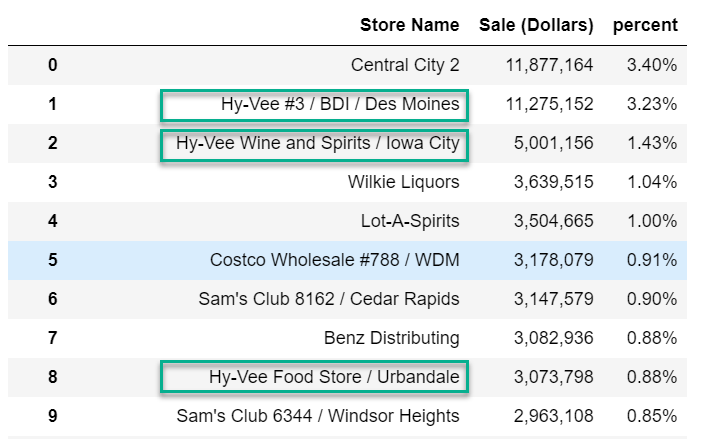
5. Làm sạch dữ liệu văn bản (Text Cleaning)

df["product"] = (
    df["product"]
    .str.strip()
    .str.lower()
    .str.replace(r"[^a-zA-Z0-9 ]", "", regex=True)
)
Operations:
- Loại bỏ khoảng trắng
- Loại bỏ ký tự đặc biệt
- Chuyển về lowercase
- Thay ký tự sai
6. Xử lý Outliers (Giá trị ngoại lai)
Phương pháp dùng IQR (Interquartile Range):
Q1 = df["revenue"].quantile(0.25)
Q3 = df["revenue"].quantile(0.75)
IQR = Q3 - Q1

lower = Q1 - 1.5 * IQR
upper = Q3 + 1.5 * IQR

df_no_outliers = df[(df["revenue"] >= lower) & (df["revenue"] <= upper)]
7. Tạo cột mới (Feature Creation)
Ví dụ tạo lợi nhuận:
df["profit"] = df["revenue"] - df["cost"]
Tạo phần trăm tăng trưởng:
df["growth"] = df["revenue"].pct_change()
Tạo cột phân loại:
df["high_revenue"] = df["revenue"] > 10000000
8. Xử lý ngày tháng & thời gian


df["date"] = pd.to_datetime(df["date"])

df["year"] = df["date"].dt.year
df["month"] = df["date"].dt.month
df["weekday"] = df["date"].dt.day_name()
Lọc theo tháng:
df_jan = df[df["date"].dt.month == 1]
9. Cắt – ghép dữ liệu (Split & Merge)
Merge bảng:
df_new = df_orders.merge(df_customers, on="customer_id", how="left")
Concatenate:
df_all = pd.concat([df1, df2])
Split cột:
df[["first", "last"]] = df["fullname"].str.split(" ", 1, expand=True)
10. Chuẩn hóa đơn vị (Unit Standardization)
Ví dụ cột “doanh thu” có 2 dạng:
- “12M” (triệu)
- “500K” (nghìn)
df["revenue_clean"] = (
    df["revenue"]
    .str.replace("M", "000000")
    .str.replace("K", "000")
)
df["revenue_clean"] = pd.to_numeric(df["revenue_clean"])
11. Chuẩn bị dữ liệu cho Machine Learning
Định chuẩn hóa (Standardization):
from sklearn.preprocessing import StandardScaler

scaler = StandardScaler()
df_scaled = scaler.fit_transform(df[["revenue", "cost"]])
One-hot encoding:
df = pd.get_dummies(df, columns=["category"])
12. Kết luận
Làm sạch dữ liệu là bước quan trọng nhất, chiếm nhiều thời gian nhất trong phân tích dữ liệu.
Sau bài 3 bạn đã biết:
- Xử lý missing
- Xóa trùng
- Chuẩn hóa dữ liệu
- Làm sạch text
- Xử lý outliers
- Tạo tính năng mới
- Xử lý ngày tháng
- Ghép bảng
Dữ liệu sạch → phân tích đúng → báo cáo chính xác → quyết định tốt.