Bài viết gần đây
-
5. Tại sao dữ liệu là vũ khí tối thượng của nhà đầu tư hiện đại?
Tháng 3 29, 2026
| XÂY DỰNG BOT AUTO TRADING DÙNG MACHINE LEARNING
Được viết bởi thanhdt vào ngày 28/11/2025 lúc 09:09 | 144 lượt xem
XÂY DỰNG BOT AUTO TRADING DÙNG MACHINE LEARNING
Random Forest – XGBoost – ML-based Crypto Trading Bot
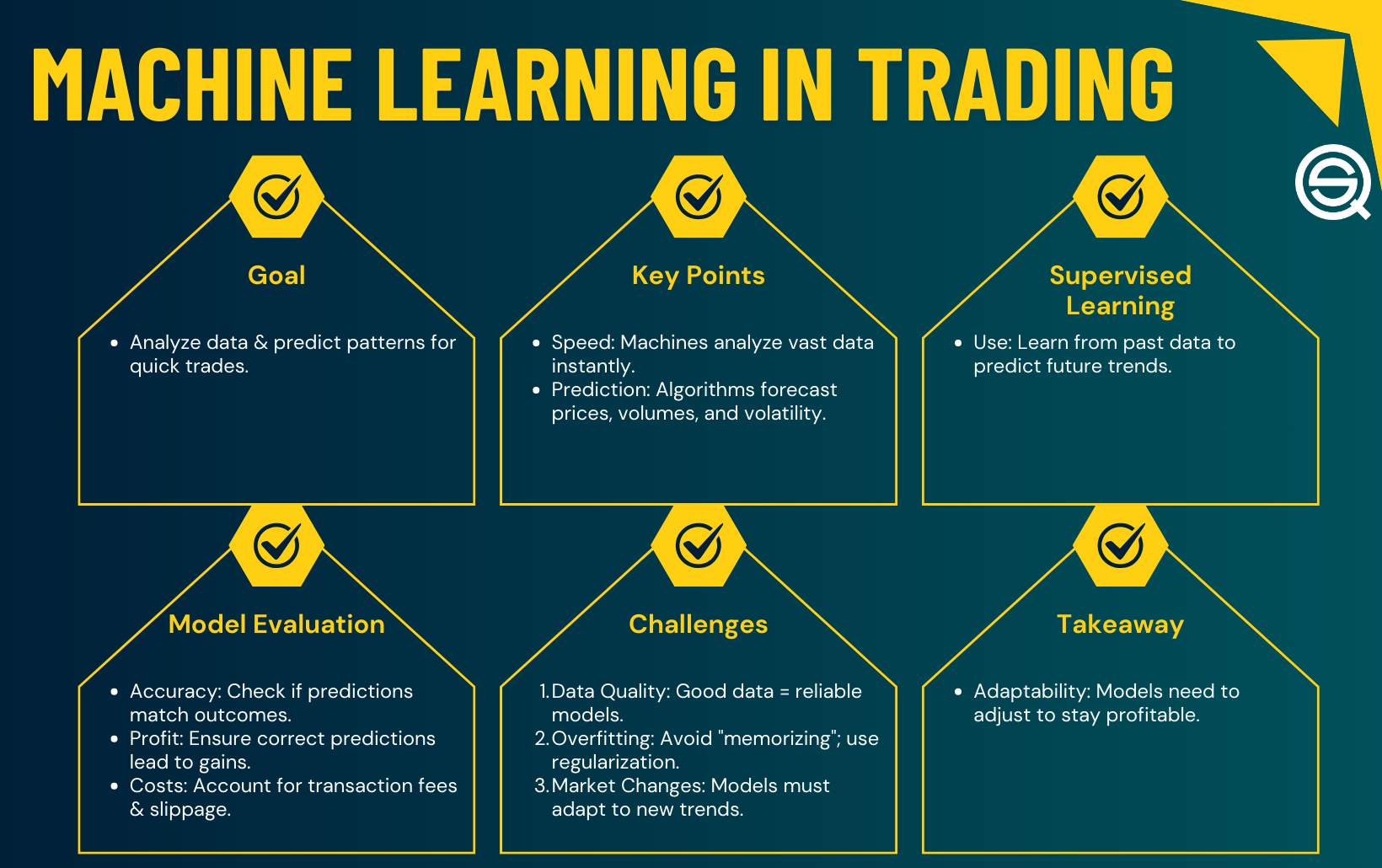
Trong các chiến lược nâng cao, Machine Learning (ML) đang trở thành vũ khí mạnh mẽ để cải thiện hiệu suất bot giao dịch:
- Dự đoán xu hướng
- Phân loại nến tăng/giảm
- Dự đoán breakout
- Đánh giá sức mạnh của xu hướng
- Giảm nhiễu thị trường
Trong bài này, ta sẽ xây dựng Bot Auto Trading bằng ML, kết hợp:
- Random Forest (RF)
- XGBoost (XGB)
- Feature Engineering
- Backtest chuẩn
- Bot giao dịch thật (Real Trading)
1. Machine Learning trong Trading là gì?

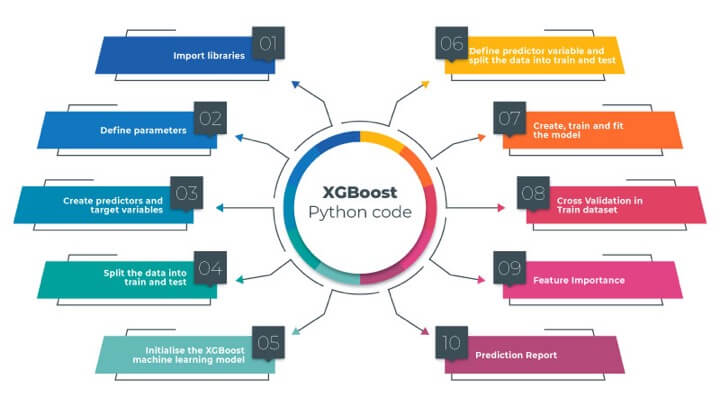
Machine Learning trong trading = mô hình học từ dữ liệu thị trường để:
- Dự đoán nến tiếp theo tăng/giảm
- Dự đoán xu hướng
- Dự đoán breakout
- Xác suất giá sẽ đi theo hướng nào
ML KHÔNG thay thế Price Action, nhưng là công cụ mạnh để nâng độ chính xác.
2. Chuẩn bị dữ liệu (Data Engineering)
Dùng Binance Futures:
import ccxt, pandas as pd

binance = ccxt.binance({'options': {'defaultType': 'future'}})

def fetch(symbol="BTC/USDT", tf="5m", limit=2000):
    df = pd.DataFrame(
        binance.fetch_ohlcv(symbol, tf, limit=limit),
        columns=["time","open","high","low","close","volume"]
    )
    return df
3. Tạo Feature ML (phần quan trọng nhất)


Ta tạo các feature:
- Returns
- MA5, MA10, MA20
- RSI
- MACD Histogram
- Volume change
- Price volatility
import numpy as np

def add_features(df):
    df["return"] = df["close"].pct_change()
    df["MA5"] = df["close"].rolling(5).mean()
    df["MA10"] = df["close"].rolling(10).mean()
    df["MA20"] = df["close"].rolling(20).mean()

    df["RSI"] = compute_rsi(df["close"])

    df["EMA12"] = df["close"].ewm(span=12).mean()
    df["EMA26"] = df["close"].ewm(span=26).mean()
    df["MACD"] = df["EMA12"] - df["EMA26"]
    df["Signal"] = df["MACD"].ewm(span=9).mean()
    df["Hist"] = df["MACD"] - df["Signal"]

    df["VolChange"] = df["volume"].pct_change()

    df["Target"] = (df["close"].shift(-1) > df["close"]).astype(int)

    return df.dropna()
Target = 1 → nến sau tăng
Target = 0 → nến sau giảm
4. Train Random Forest Model

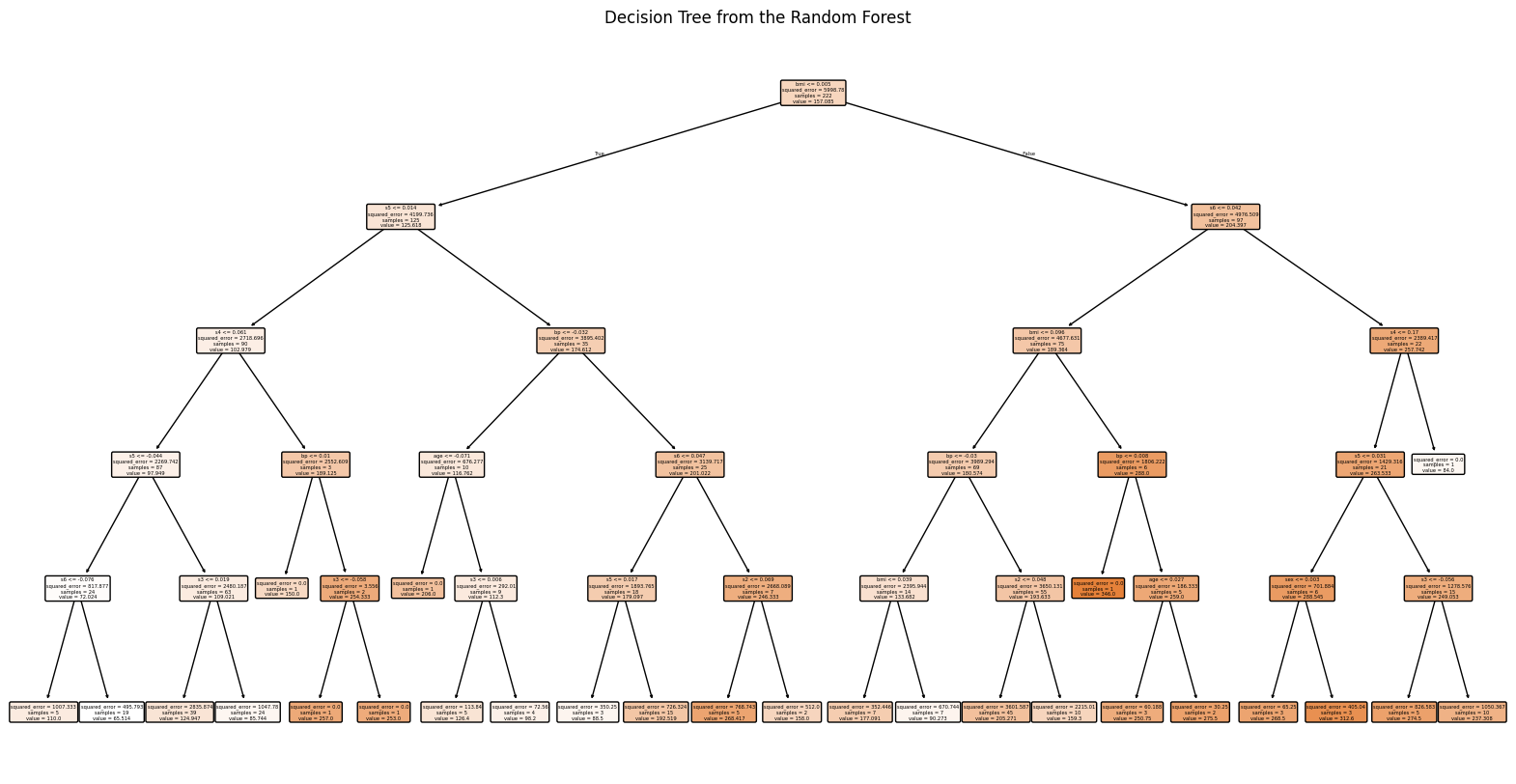
from sklearn.ensemble import RandomForestClassifier
from sklearn.model_selection import train_test_split

features = ["return","MA5","MA10","MA20","RSI","MACD","Hist","VolChange"]

X = df[features]
y = df["Target"]

X_train, X_test, y_train, y_test = train_test_split(X, y, shuffle=False, test_size=0.2)

model_rf = RandomForestClassifier(n_estimators=200, max_depth=8)
model_rf.fit(X_train, y_train)

print("Accuracy:", model_rf.score(X_test, y_test))
5. Train XGBoost Model
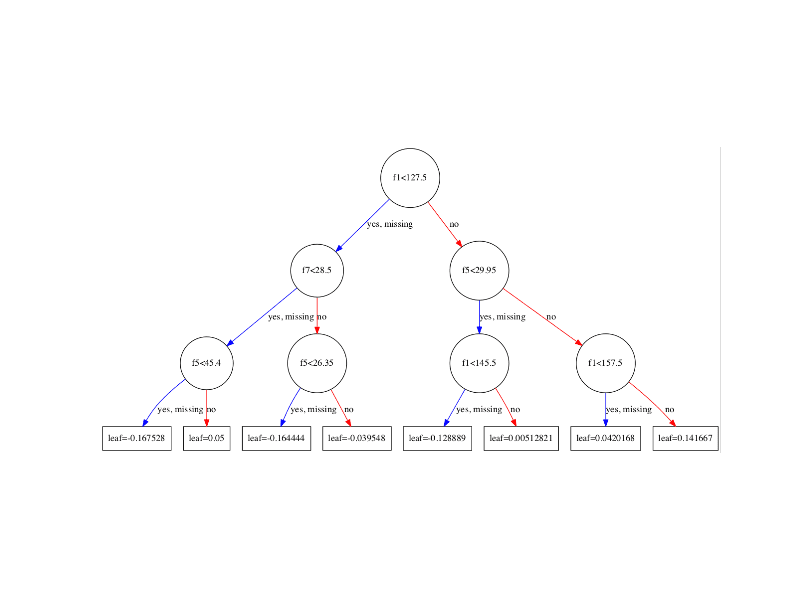
pip install xgboost
import xgboost as xgb

dtrain = xgb.DMatrix(X_train, label=y_train)
dtest  = xgb.DMatrix(X_test,  label=y_test)

params = {
    "max_depth": 6,
    "eta": 0.1,
    "objective": "binary:logistic",
    "eval_metric": "logloss"
}

model_xgb = xgb.train(params, dtrain, num_boost_round=300)
6. Tạo tín hiệu ML để bot giao dịch
Random Forest:
def predict_rf(df):
    p = model_rf.predict(df[features].iloc[-1:].values)[0]
    return "BUY" if p == 1 else "SELL"
XGBoost:
def predict_xgb(df):
    d = xgb.DMatrix(df[features].iloc[-1:].values)
    prob = model_xgb.predict(d)[0]
    return "BUY" if prob > 0.55 else "SELL"
7. Kết hợp MA6–10–20 + ML (Bộ lọc Xu Hướng VIP)

BUY khi:
- MA6 > MA10 > MA20
- ML dự đoán BUY
SELL khi:
- MA6 < MA10 < MA20
- ML dự đoán SELL
Điều này giúp ML không vào lệnh ngược xu hướng.
8. Full Bot – Machine Learning + Trend Filter + Bitget Execution
symbol = "BTCUSDT_UMCBL"
size = 0.01

df = fetch("BTC/USDT")
df = add_features(df)

sig_ml = predict_xgb(df)
trend = trend_filter(df)

print("ML:", sig_ml, "| Trend:", trend)

if sig_ml == "BUY" and trend == "UP":
    print(bitget_order(symbol, "buy", size))

if sig_ml == "SELL" and trend == "DOWN":
    print(bitget_order(symbol, "sell", size))
9. Full Bot – Machine Learning Auto Trading
symbol = "BTC/USDT"
qty = 0.01

df = fetch(symbol)
df = add_features(df)

# ML prediction
sig_ml = predict_xgb(df)   # hoặc predict_rf(df)

# Trend Filter
c = df.iloc[-1]
if c["MA5"] > c["MA10"] > c["MA20"] and sig_ml == "BUY":
    execute(symbol, "BUY", qty)

if c["MA5"] < c["MA10"] < c["MA20"] and sig_ml == "SELL":
    execute(symbol, "SELL", qty)
10. Nâng cấp bản PRO — ML Auto Trading Pro
📌 1. Dùng WebSocket để cập nhật dữ liệu ML realtime (100ms)
📌 2. Thêm Stop-loss theo ATR
📌 3. Dùng mô hình LightGBM → nhanh hơn XGBoost
📌 4. Kết hợp Multi-symbol (20 coin)
📌 5. Backtest chuẩn với Walk-Forward Optimization
📌 6. Sử dụng Probability > 0.65 để tăng độ tin cậy
📌 7. Tự động re-train mô hình mỗi ngày