Bài viết gần đây
-
5. Tại sao dữ liệu là vũ khí tối thượng của nhà đầu tư hiện đại?
Tháng 3 29, 2026
| XÂY DỰNG BOT AUTO TRADING MULTI-TIMEFRAME
Được viết bởi thanhdt vào ngày 27/11/2025 lúc 16:34 | 96 lượt xem
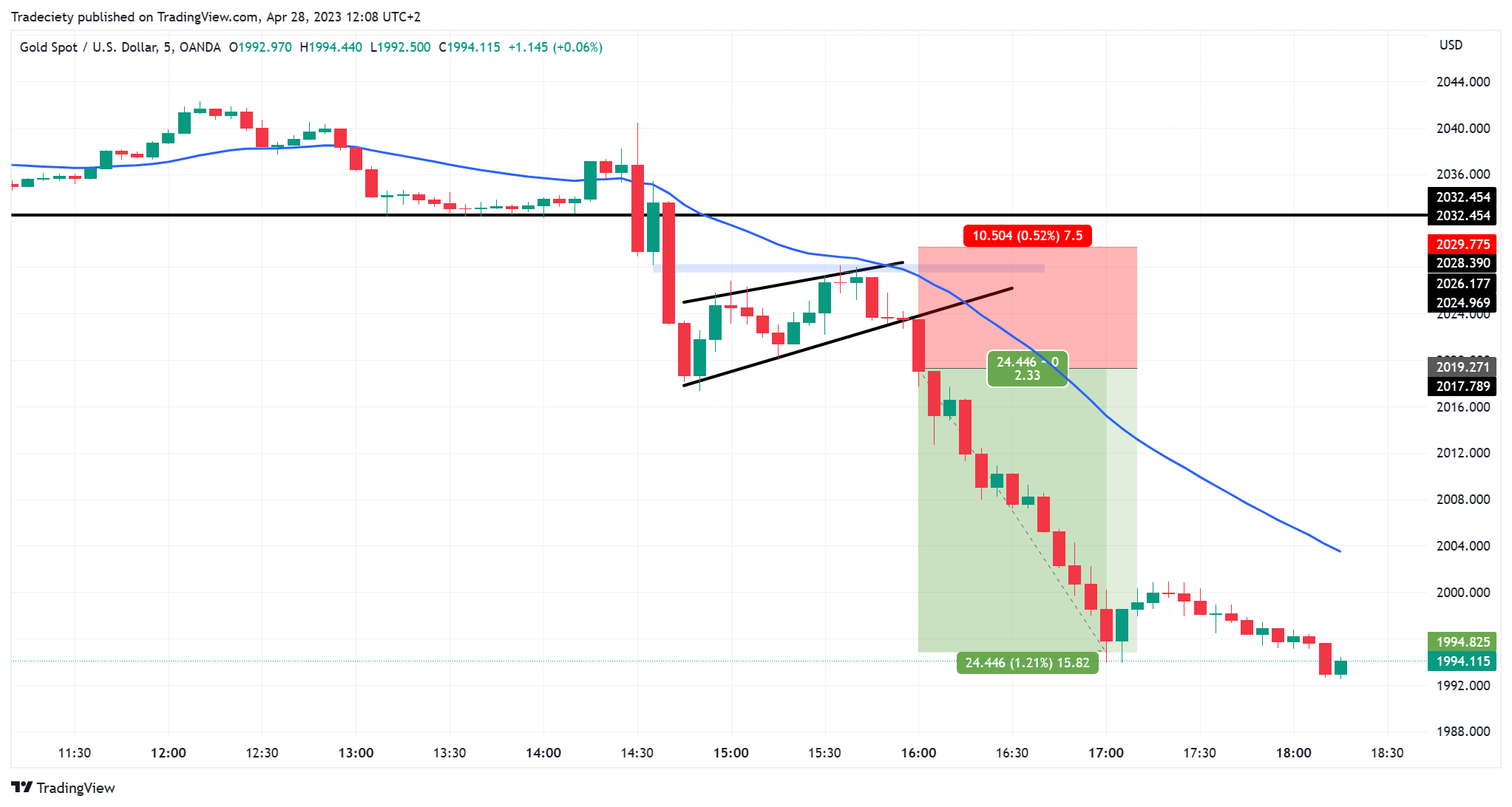
XÂY DỰNG BOT AUTO TRADING MULTI-TIMEFRAME (D1–H4–H1) BẰNG PYTHON
(Bài chuẩn SEO: bot auto trading python, multi timeframe, trend following)
Trong hệ thống giao dịch chuyên nghiệp, phân tích đa khung thời gian (Multi-Timeframe Analysis) là kỹ thuật quan trọng giúp:
- Xác định xu hướng tổng thể
- Tránh giao dịch ngược trend
- Tăng độ chính xác của tín hiệu vào lệnh
- Giảm số lệnh sai khi thị trường nhiễu
Khi đưa vào bot auto trading, chiến lược này trở thành nền tảng mạnh mẽ cho các bot trend-following.
1. Multi-Timeframe là gì?
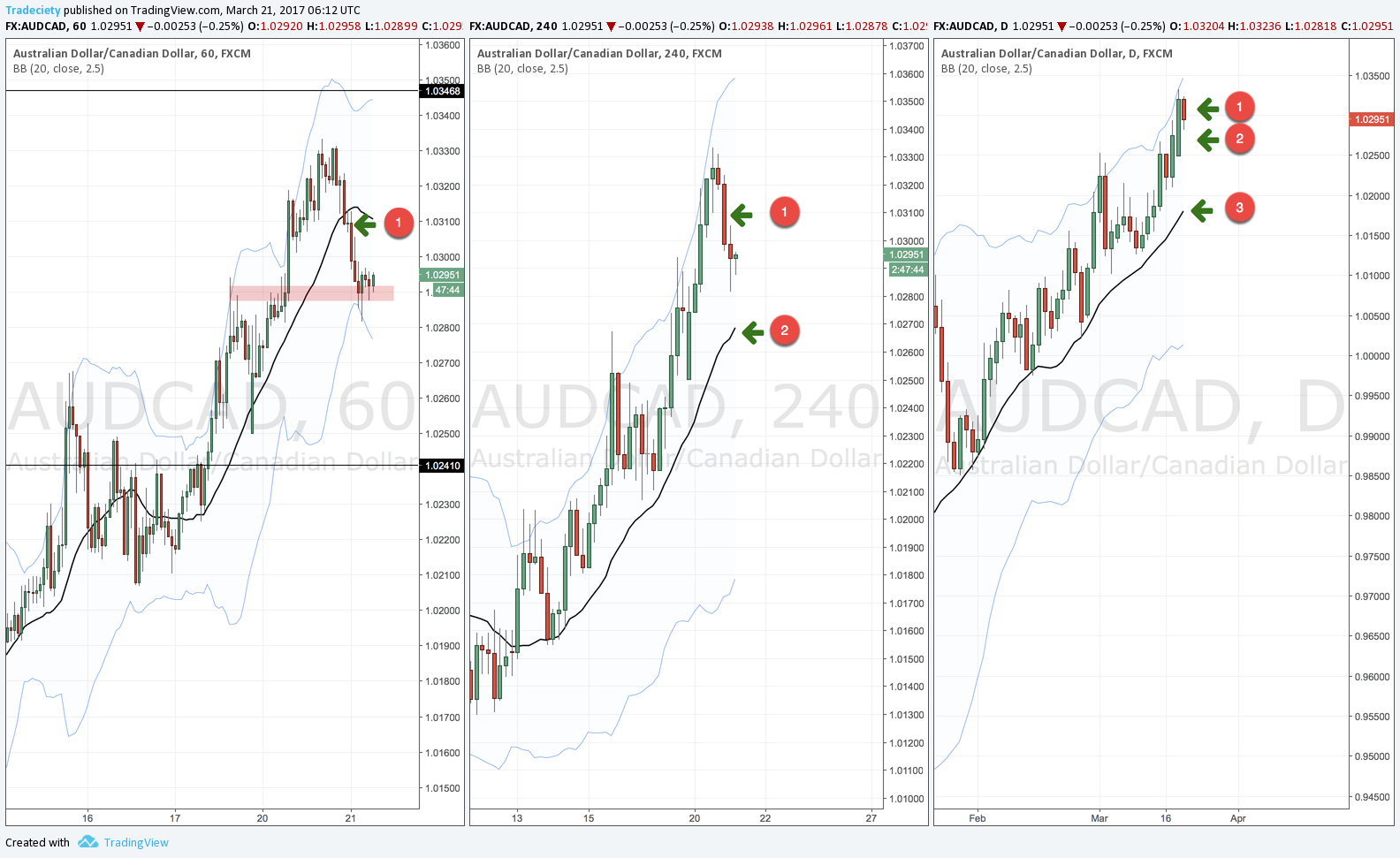
Multi-Timeframe (MTF) đơn giản là xem nhiều khung thời gian cùng lúc:
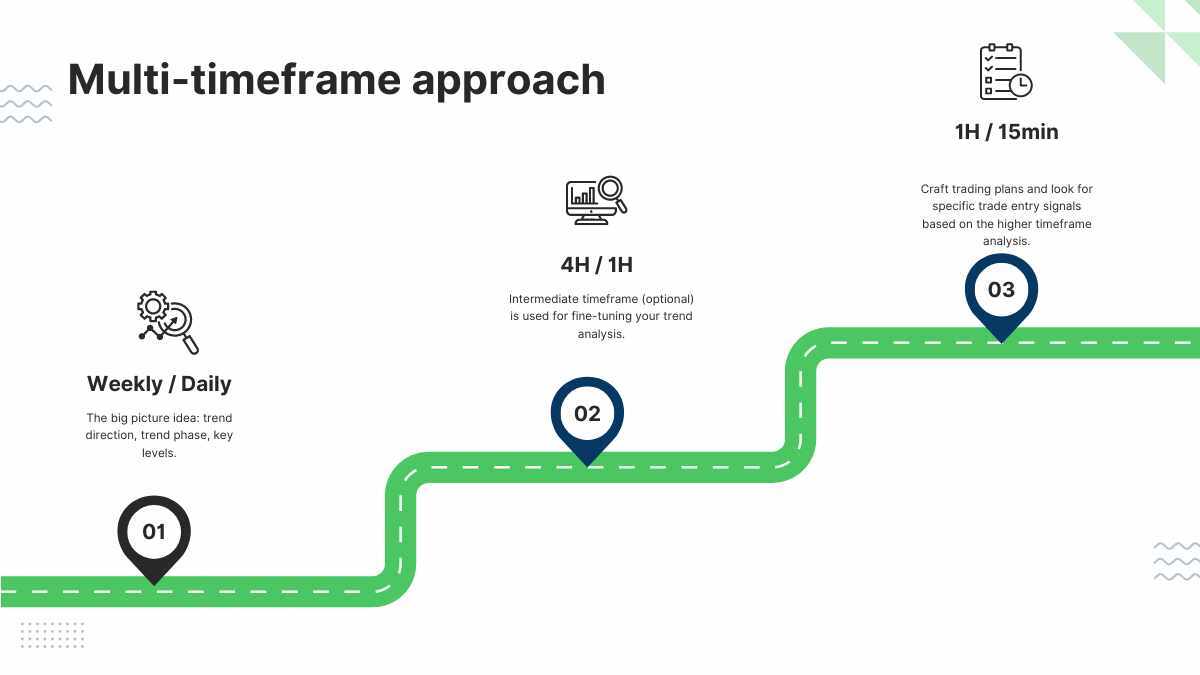
- D1 (xu hướng lớn) – thị trường đang tăng / giảm?
- H4 (xu hướng trung hạn) – điều chỉnh hay tiếp diễn?
- H1 (tín hiệu vào lệnh) – entry chính xác
Trong bot auto trading, MTF được dùng để:
- Lọc nhiễu
- Tránh giao dịch counter-trend
- Bắt entry chính xác hơn
2. Logic chuẩn cho Bot Auto Trading Multi-Timeframe
1) Xác định xu hướng lớn (D1):
- MA20 dốc lên → thị trường tăng
- MA20 dốc xuống → thị trường giảm
2) Xác định xu hướng trung hạn (H4):
- Xác nhận lại xu hướng D1
- Lọc điều chỉnh sai (false pullback)
3) Xác định entry (H1):
- MA6–10–20
- Breakout
- MACD cross
- ATR stop-loss
3. Cài thư viện
pip install ccxt pandas numpy python-dotenv
4. Hàm lấy dữ liệu nhiều khung thời gian
import ccxt, pandas as pd

binance = ccxt.binance({
    'options': {'defaultType': 'future'}
})

def fetch_tf(symbol, tf="1h", limit=300):
    df = pd.DataFrame(
        binance.fetch_ohlcv(symbol, tf, limit=limit),
        columns=["time","open","high","low","close","volume"]
    )
    return df
5. Tính MA20 + MA6–10–20 cho từng khung
def apply_ma(df):
    df['MA6'] = df['close'].rolling(6).mean()
    df['MA10'] = df['close'].rolling(10).mean()
    df['MA20'] = df['close'].rolling(20).mean()
    return df
6. Tạo tín hiệu xu hướng từ D1, H4, H1
1) Xu hướng lớn D1
def trend_d1(df):
    if df['MA20'].iloc[-1] > df['MA20'].iloc[-2]:
        return "UP"
    if df['MA20'].iloc[-1] < df['MA20'].iloc[-2]:
        return "DOWN"
    return "SIDEWAY"
2) Xu hướng trung hạn H4
def trend_h4(df):
    if df['MA20'].iloc[-1] > df['MA20'].iloc[-2]:
        return "UP"
    if df['MA20'].iloc[-1] < df['MA20'].iloc[-2]:
        return "DOWN"
    return "SIDEWAY"
3) Entry H1 (MA6–10–20)
def entry_h1(df):
    c = df.iloc[-1]
    if c['MA6'] > c['MA10'] > c['MA20']:
        return "BUY"
    if c['MA6'] < c['MA10'] < c['MA20']:
        return "SELL"
    return "NONE"
7. Xây dựng bộ lọc Multi-Timeframe
def multi_tf_signal(d1, h4, h1):
    # Buy hợp lệ khi tất cả cùng xu hướng lên
    if d1=="UP" and h4=="UP" and h1=="BUY":
        return "LONG"

    # Sell hợp lệ khi tất cả cùng xu hướng xuống
    if d1=="DOWN" and h4=="DOWN" and h1=="SELL":
        return "SHORT"

    return "NONE"
8. Full Code Bot Auto Trading Multi-Timeframe
symbol = "BTC/USDT"

# Lấy dữ liệu từng khung
d1 = apply_ma(fetch_tf(symbol, "1d"))
h4 = apply_ma(fetch_tf(symbol, "4h"))
h1 = apply_ma(fetch_tf(symbol, "1h"))

# Tín hiệu từng khung
d1_trend = trend_d1(d1)
h4_trend = trend_h4(h4)
h1_entry = entry_h1(h1)

# Tín hiệu tổng hợp
signal = multi_tf_signal(d1_trend, h4_trend, h1_entry)

print("D1:", d1_trend, "H4:", h4_trend, "H1:", h1_entry)
print("Final signal:", signal)
Kết quả:
- Nếu thị trường đồng thuận → xuất hiện LONG hoặc SHORT
- Nếu không đồng thuận → NONE (bỏ qua, không giao dịch)
9. Tích hợp vào Binance Futures (vào lệnh)


from binance.client import Client
import os
from dotenv import load_dotenv

load_dotenv()
client = Client(os.getenv("BINANCE_API_KEY"), os.getenv("BINANCE_API_SECRET"))

def execute(signal):
    if signal == "LONG":
        client.futures_create_order(symbol="BTCUSDT", side="BUY", type="MARKET", quantity=0.01)
    if signal == "SHORT":
        client.futures_create_order(symbol="BTCUSDT", side="SELL", type="MARKET", quantity=0.01)
10. Lợi ích của Bot Auto Trading Multi-Timeframe