Bài viết gần đây
-
5. Tại sao dữ liệu là vũ khí tối thượng của nhà đầu tư hiện đại?
Tháng 3 29, 2026
| FLUTTER FIREBASE AUTHENTICATION
Được viết bởi thanhdt vào ngày 28/11/2025 lúc 21:31 | 139 lượt xem
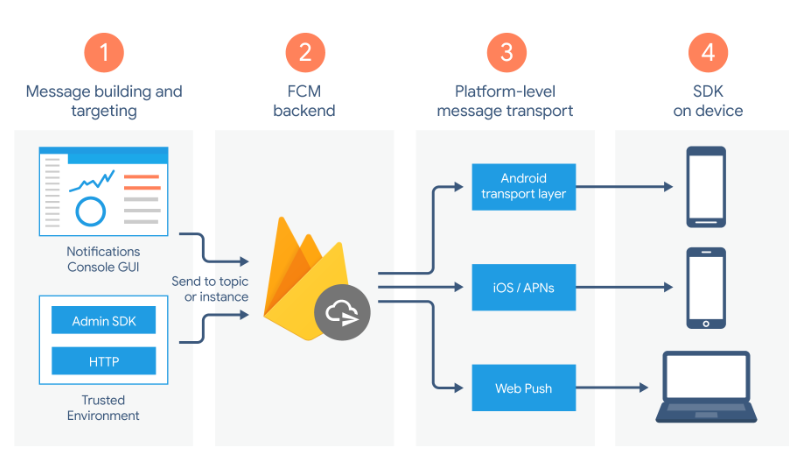
FLUTTER FIREBASE AUTHENTICATION
Email/Password – Google Sign-In – Apple Sign-In – Token – Secure Storage

Firebase Authentication là giải pháp đăng nhập phổ biến nhất cho ứng dụng Flutter năm 2025. Firebase cung cấp nhiều phương thức:
- Email/Password
- Google Sign-In
- Apple Sign-In
- Phone Authentication
- Anonymous Login
- Custom Token
- Third-party OAuth
Bài này hướng dẫn quy trình đầy đủ từ cài đặt → cấu hình → code thực hiện → quản lý phiên đăng nhập.
1. KHỞI TẠO DỰ ÁN FIREBASE
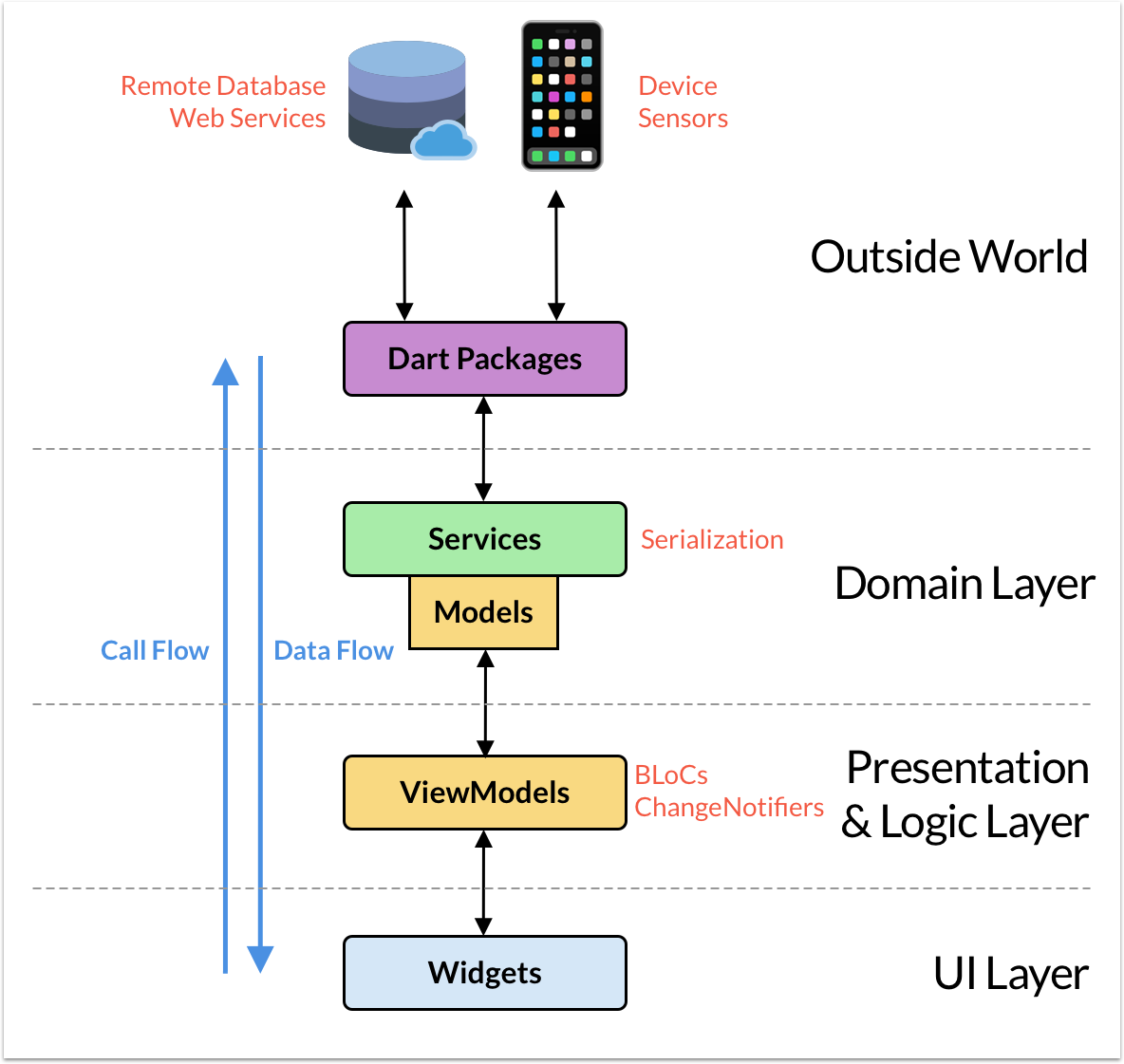
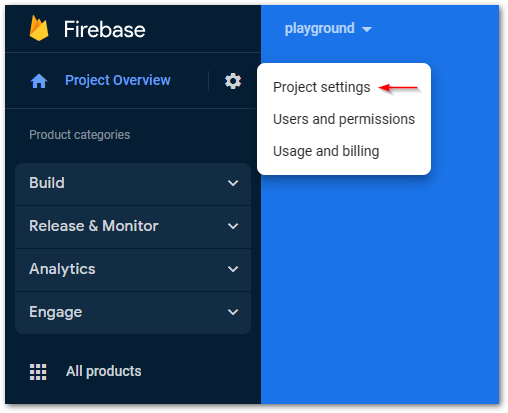
Các bước:
- Vào console.firebase.google.com
- Tạo Project
- Thêm App Android
- Thêm App iOS
- Tải file:
google-services.json(Android)GoogleService-Info.plist(iOS)
- Kích hoạt Authentication → Sign-in Method
Sau đó thêm dependencies:
firebase_core: ^3.0.0
firebase_auth: ^5.0.0
google_sign_in: ^7.0.0
flutter_secure_storage: ^9.0.0
Khởi tạo Firebase trong main.dart:
void main() async {
  WidgetsFlutterBinding.ensureInitialized();
  await Firebase.initializeApp();
  runApp(MyApp());
}
2. EMAIL / PASSWORD AUTH

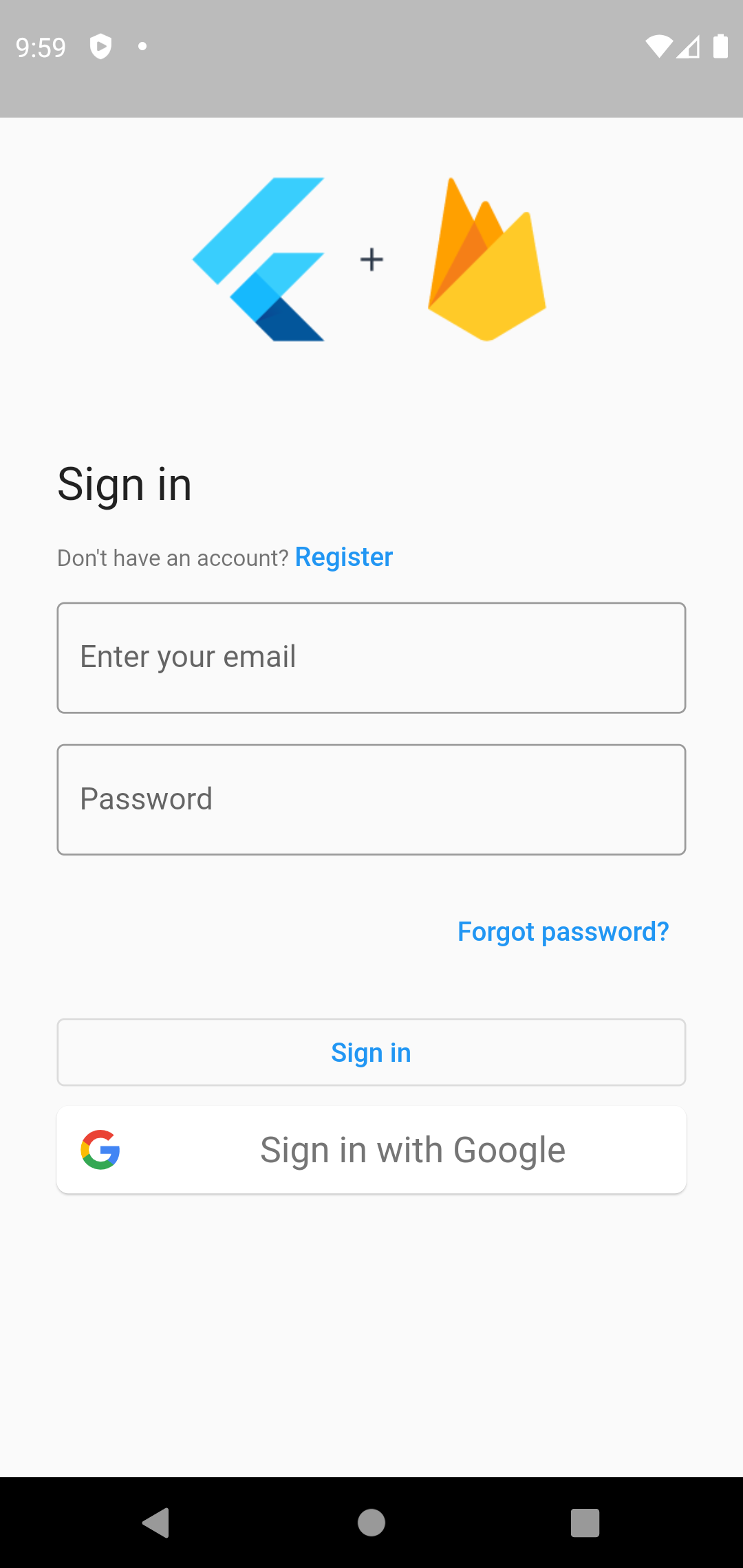
Đăng ký tài khoản
final credential = await FirebaseAuth.instance
    .createUserWithEmailAndPassword(
        email: email, password: password);
Đăng nhập
final credential = await FirebaseAuth.instance
    .signInWithEmailAndPassword(
        email: email, password: password);
Đăng xuất
await FirebaseAuth.instance.signOut();
3. GOOGLE SIGN-IN

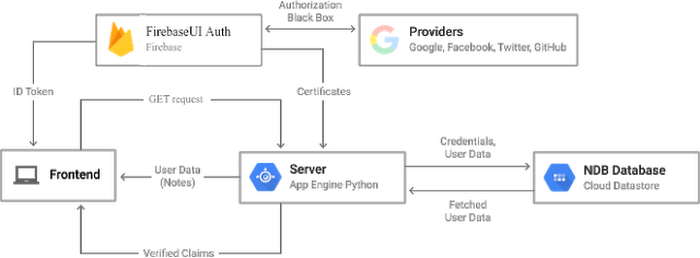
Đăng nhập Google cần 2 thư viện:
- firebase_auth
- google_sign_in
Triển khai:
final googleUser = await GoogleSignIn().signIn();
final googleAuth = await googleUser?.authentication;

final credential = GoogleAuthProvider.credential(
  accessToken: googleAuth?.accessToken,
  idToken: googleAuth?.idToken,
);

await FirebaseAuth.instance.signInWithCredential(credential);
4. APPLE SIGN-IN (BẮT BUỘC CHO iOS)
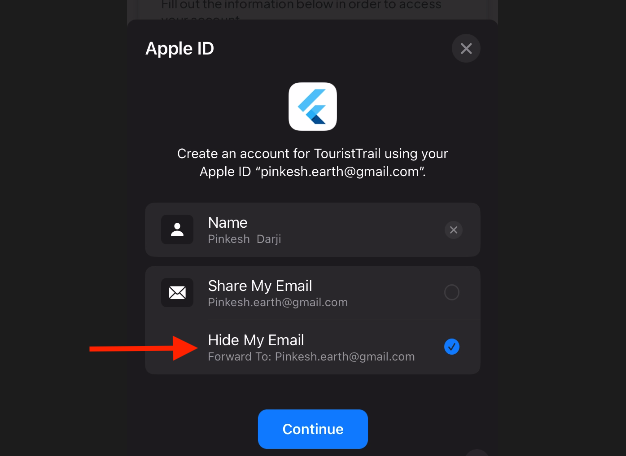
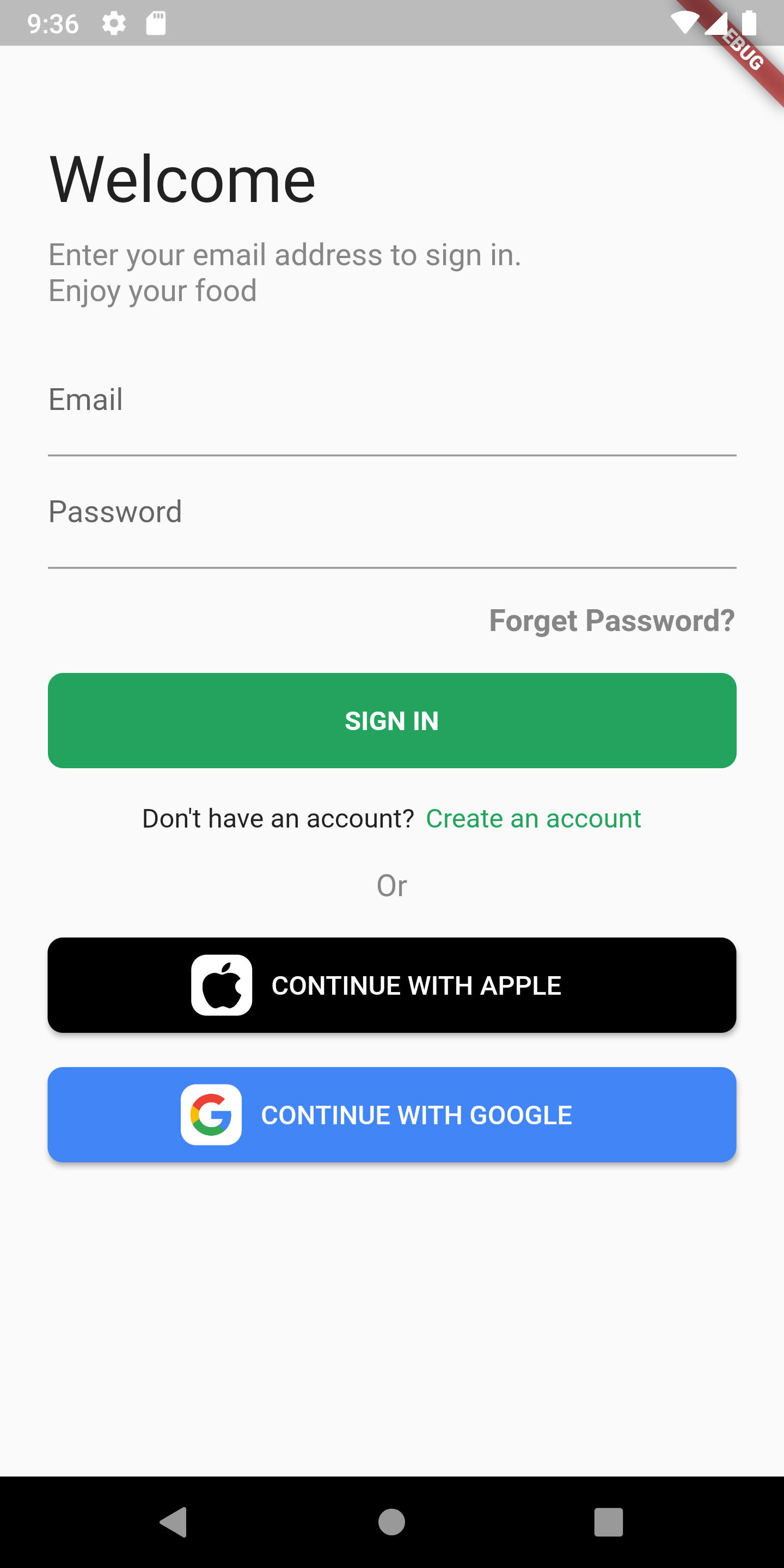
Apple yêu cầu apps có Google/Facebook login phải hỗ trợ Sign in with Apple.
Thêm:
sign_in_with_apple: ^6.0.0
Code:
final credential = await SignInWithApple.getAppleIDCredential(
  scopes: [AppleIDAuthorizationScopes.email, AppleIDAuthorizationScopes.fullName],
);

final firebaseCredential = OAuthProvider("apple.com").credential(
  idToken: credential.identityToken,
  accessToken: credential.authorizationCode,
);

await FirebaseAuth.instance.signInWithCredential(firebaseCredential);
5. PHONE AUTHENTICATION
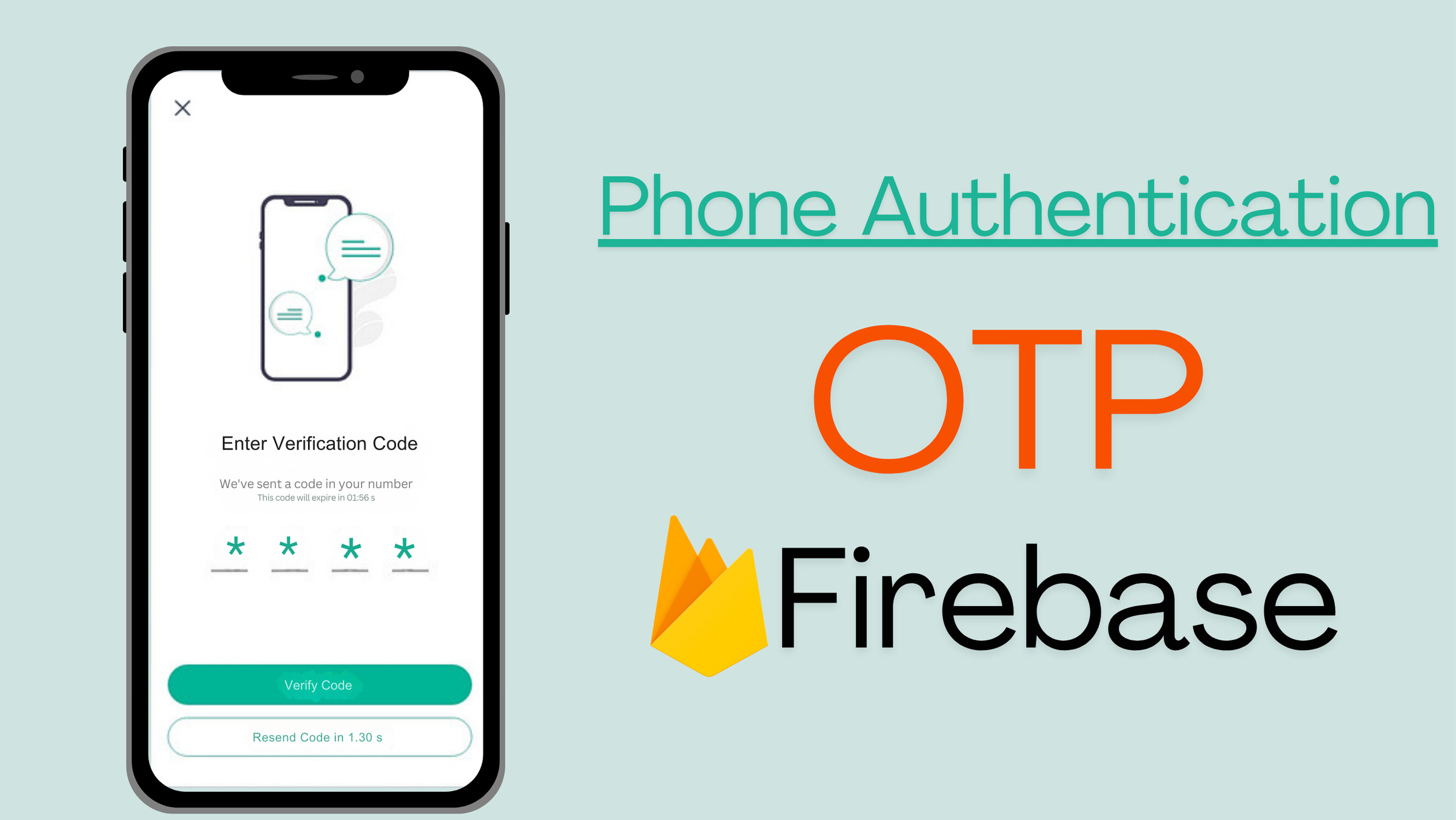

Firebase sẽ gửi mã OTP SMS.
await FirebaseAuth.instance.verifyPhoneNumber(
  phoneNumber: phone,
  verificationCompleted: (credential) {
    FirebaseAuth.instance.signInWithCredential(credential);
  },
  verificationFailed: (_) {},
  codeSent: (id, _) {
    verifyId = id;
  },
  codeAutoRetrievalTimeout: (_) {},
);
Xác nhận OTP:
final credential = PhoneAuthProvider.credential(
  verificationId: verifyId,
  smsCode: otp,
);
await FirebaseAuth.instance.signInWithCredential(credential);
6. LƯU TOKEN VỚI SECURE STORAGE
FirebaseAuth cung cấp idToken và refreshToken.
Người dùng có thể đăng nhập lại tự động.
final user = FirebaseAuth.instance.currentUser;
final token = await user?.getIdToken();
Lưu vào SecureStorage:
await storage.write(key: "token", value: token);
Đăng nhập lại:
final token = await storage.read(key: "token");
if (token != null) {
  // Auto login
}
7. STREAM AUTH STATE (KIỂM TRA NGƯỜI DÙNG ĐANG LOGIN)

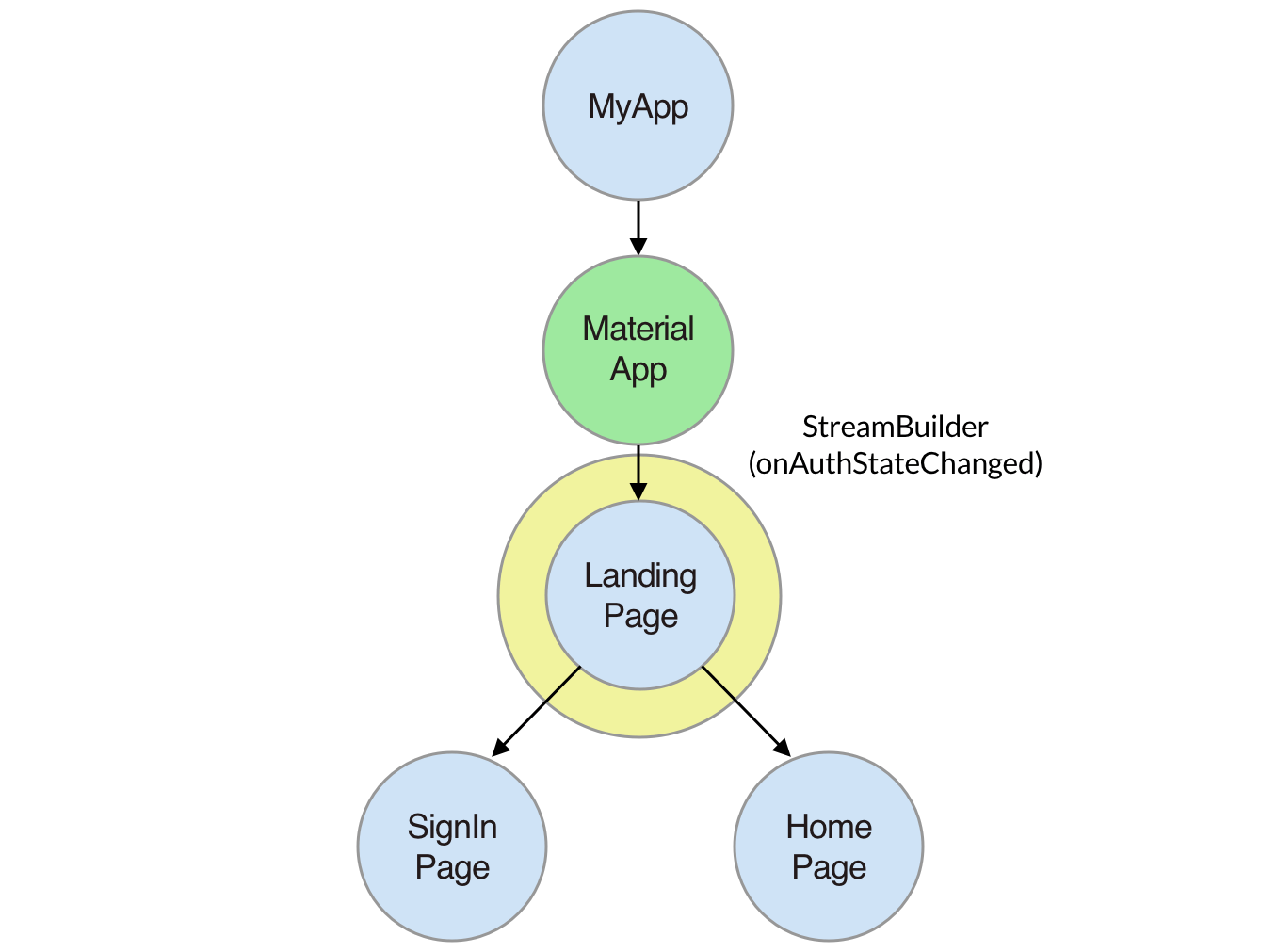
FirebaseAuth phát ra stream cập nhật mỗi khi trạng thái user thay đổi.
Sử dụng StreamBuilder:
StreamBuilder(
  stream: FirebaseAuth.instance.authStateChanges(),
  builder: (context, snapshot) {
    if (snapshot.hasData) return Dashboard();
    return LoginScreen();
  },
);
8. TÍCH HỢP FIREBASE AUTH VỚI BACKEND RIÊNG
Nếu ứng dụng có backend (NodeJS, Python, Go…), bạn có thể xác minh token Firebase phía server.
Backend nhận token:
Authorization: Bearer <firebase_id_token>
Middleware xác minh:
- NodeJS: firebase-admin
- Flask/FASTAPI: firebase_admin
- Go: firebase-auth
9. XỬ LÝ LỖI & THÔNG ĐIỆP CHUẨN
Các lỗi thường gặp:
- invalid-email
- wrong-password
- user-not-found
- account-exists-with-different-credential
- network-request-failed
Ví dụ:
try {
  await FirebaseAuth.instance.signInWithEmailAndPassword(
    email: email,
    password: password,
  );
} on FirebaseAuthException catch (e) {
  if (e.code == 'wrong-password') {
    message = "Password không đúng";
  }
}
10. KẾT HỢP AUTH + CRUD TRONG ỨNG DỤNG
Mô hình chuẩn:

Luồng:
- Đăng nhập → Lấy token Firebase
- Gửi token lên backend
- Backend xác thực
- Flutter gọi API CRUD
- UI cập nhật theo state
11. TỔNG KẾT
Firebase Authentication cung cấp giải pháp đăng nhập nhanh, bảo mật và đa nền tảng cho Flutter, bao gồm:
- Email/Password
- Apple
- OTP Phone
- Custom Token
- State stream realtime
- Secure Storage
Ứng dụng thực tế có thể kết hợp Firebase Auth với Firestore hoặc backend riêng để hoàn thiện chức năng.
THAM CHIẾU – HỌC FLUTTER
Tài liệu và lộ trình Flutter đầy đủ:
https://www.huongnghieplaptrinhflutter.com/