Thực Hành Với MetaTrader 5 Và TradingView
Mục tiêu buổi học
- Kết nối MT5 với Python để mở/đóng lệnh mô phỏng
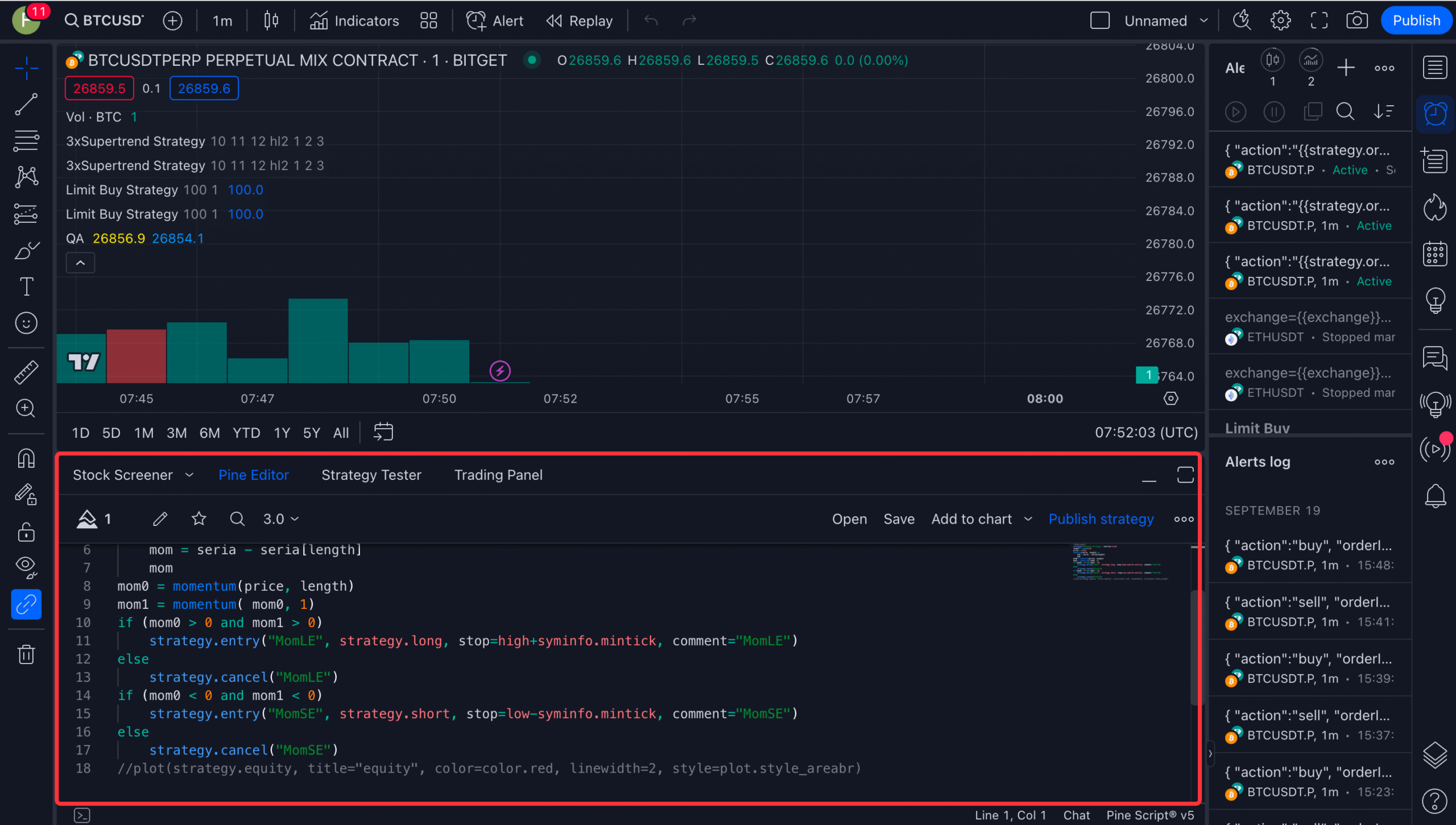
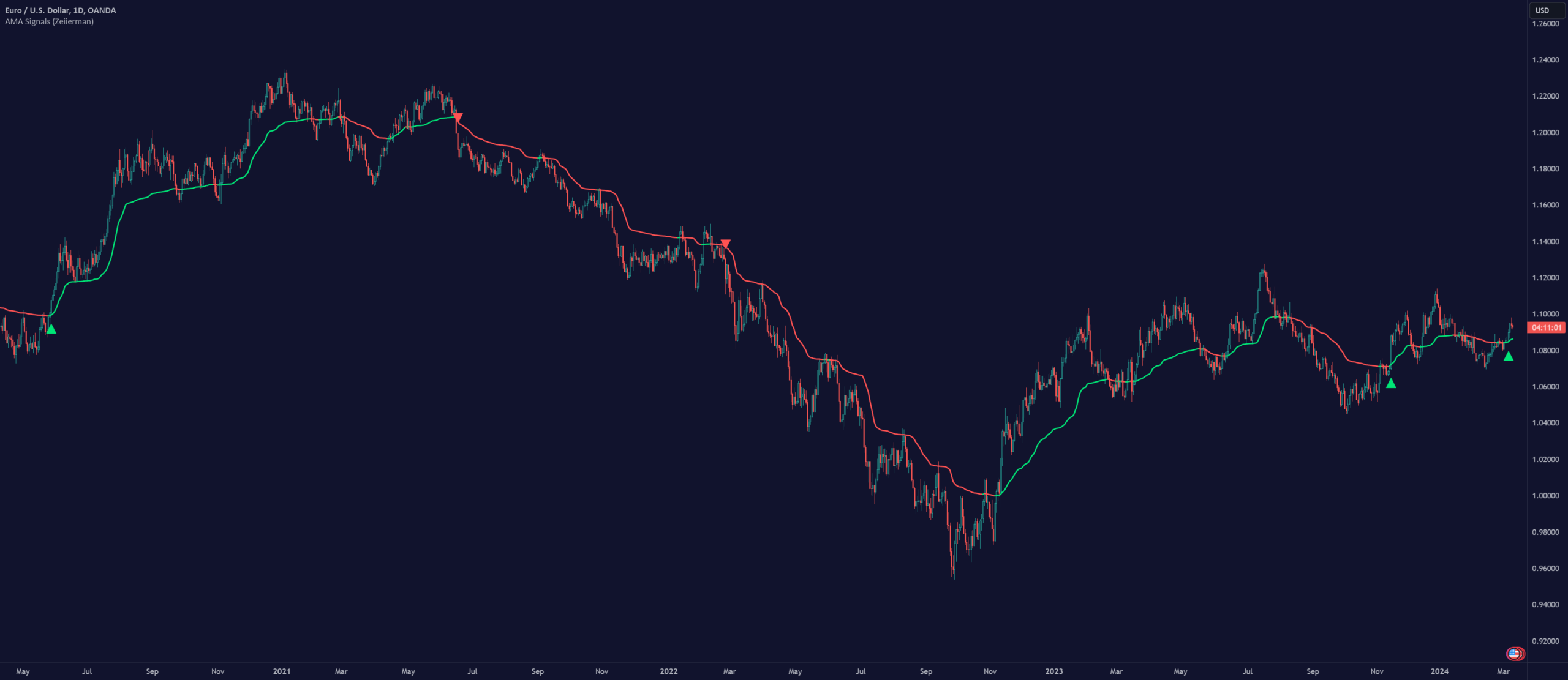
- Viết chiến lược Pine Script xác định xu hướng
- Nhận tín hiệu TradingView qua webhook về n8n
- Vận hành bot bằng vòng polling TP/SL
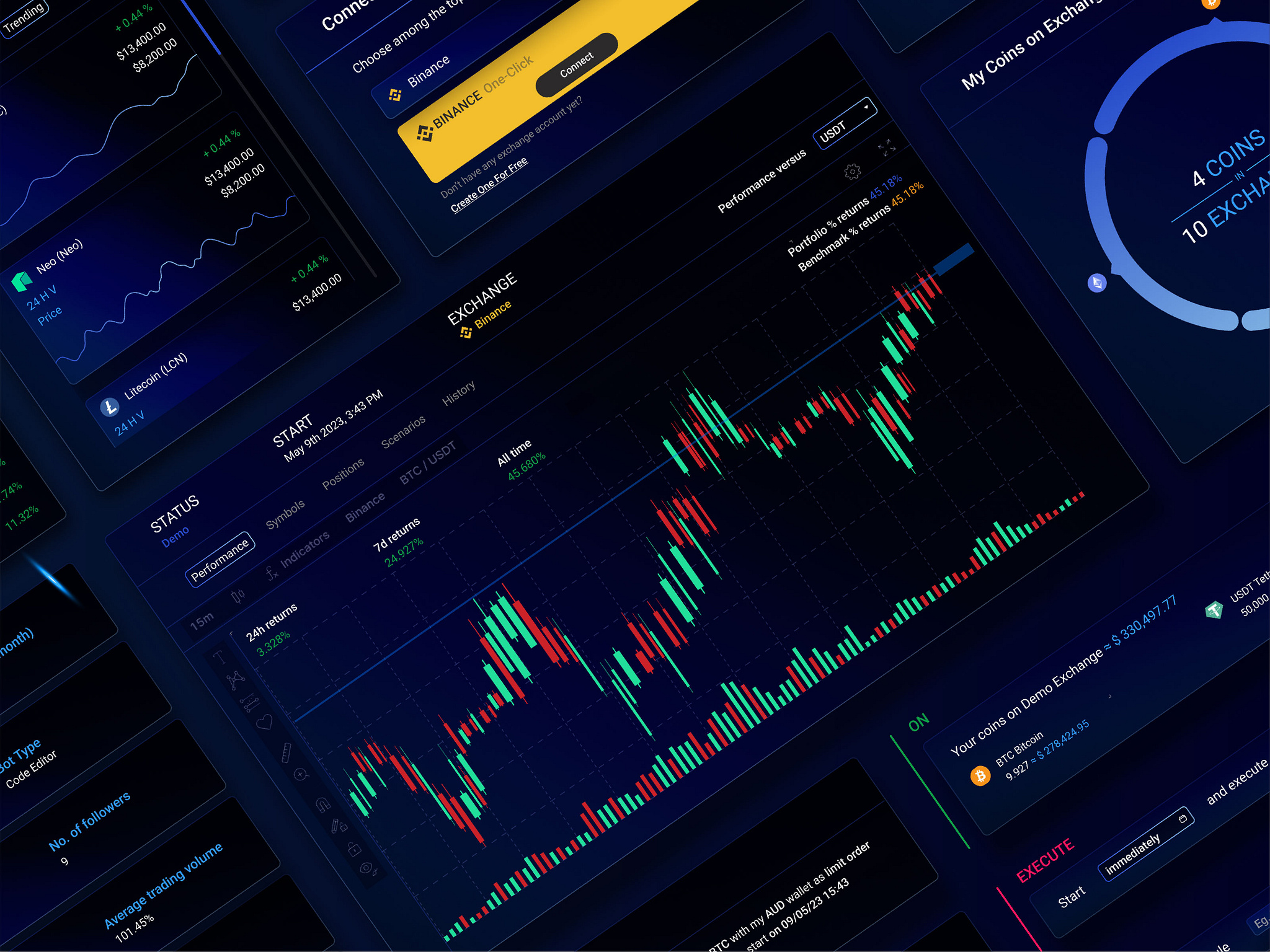
Hình minh hoạ tổng quan


4
Hình minh hoạ từng phần quan trọng
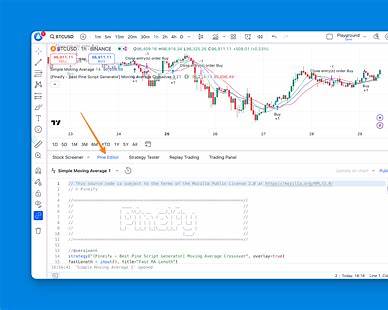
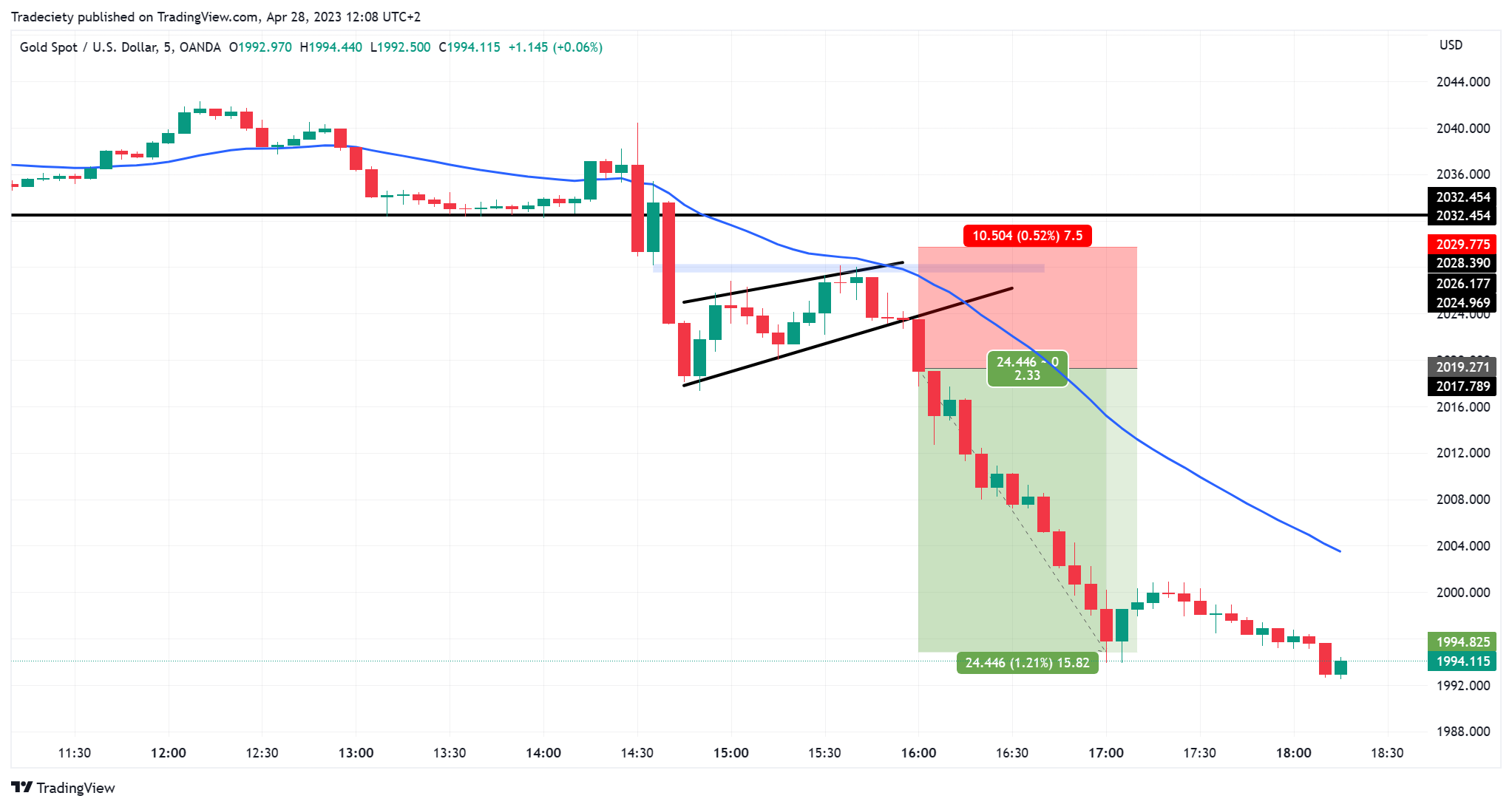
1. Pine Script trên TradingView

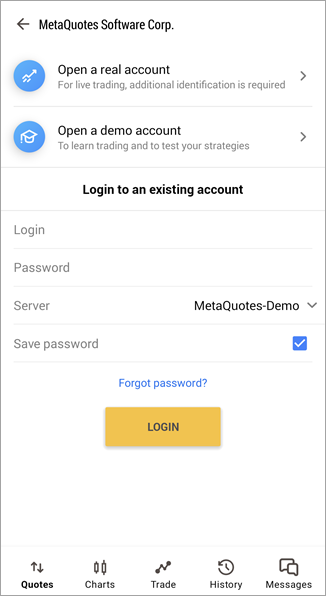
2. MT5 chạy tài khoản Demo

3. n8n Webhook nhận tín hiệu từ Alert

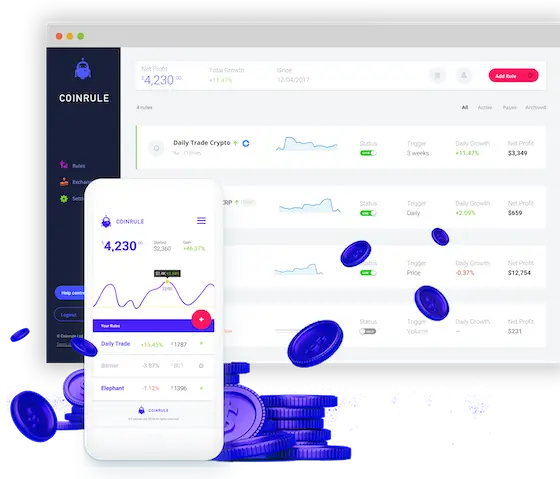
4. Monitoring dashboard bot giao dịch
Ứng dụng đa khung (MTF)

Script mẫu trong buổi học (giữ nguyên, không emoji)
//@version=5
indicator("Fin3B – AMA Trend Demo", overlay=true)

ama6  = ta.hma(close, 6)
ama10 = ta.hma(close, 10)
ama20 = ta.hma(close, 20)

plot(ama6)
plot(ama10)
plot(ama20)

trendUp = ama6 > ama10 and ama10 > ama20
bgcolor(trendUp ? color.new(color.green, 85) : na)
import MetaTrader5 as mt5
import time

mt5.initialize()
symbol = "XAUUSD"
lot = 0.01
tp = 2700
sl = 2600

request = {
    "action": mt5.TRADE_ACTION_DEAL,
    "symbol": symbol,
    "volume": lot,
    "type": mt5.ORDER_TYPE_BUY,
    "price": mt5.symbol_info_tick(symbol).ask,
    "sl": sl,
    "tp": tp,
}
order = mt5.order_send(request)
print("Entry demo:", order)

while True:
    positions = mt5.positions_get(symbol=symbol)
    if not positions:
        print("Không còn position mở – dừng polling")
        break

    price = mt5.symbol_info_tick(symbol).bid
    print("Giá hiện tại:", price)

    if price >= tp:
        print("→ Đạt TP, đóng lệnh demo")
        mt5.Close(symbol)
        break
    if price <= sl:
        print("→ Chạm SL, đóng lệnh demo")
        mt5.Close(symbol)
        break

    time.sleep(10)
Kết luận buổi 20
Fin3B ở buổi này giúp bạn hiểu:
- Xu hướng khung lớn mới là bản đồ
- Entry khung nhỏ chỉ là trigger
- TP/SL có thể bot tự xử lý bằng polling nếu API không hỗ trợ
- Không giao dịch khi AMA chồng chéo
- Luôn giám sát bot để tránh gãy hệ thống