Bài viết gần đây
| Triển Khai Bot Auto Trading Lên Production (Docker + Uvicorn + Nginx + Supervisor)
Được viết bởi thanhdt vào ngày 09/12/2025 lúc 18:48 | 111 lượt xem
Triển Khai Bot Auto Trading Lên Production (Docker + Uvicorn + Nginx + Supervisor)
Bot Auto Trading không chỉ là code chiến lược hoặc backend FastAPI.
Điều quan trọng hơn là triển khai hệ thống chạy 24/7, đảm bảo:
- Không bị đứng bot
- Không bị lỗi API
- Không bị kill process
- Không mất tín hiệu TradingView
- Không delay đặt lệnh
- Không downtime khi thị trường biến động mạnh
Bài này hướng dẫn bạn triển khai bot đúng chuẩn Production:
✔ Docker
✔ Uvicorn / Gunicorn
✔ Nginx reverse proxy
✔ HTTPS (Let’s Encrypt)
✔ Supervisor / PM2 / Systemd
✔ Logging
✔ Auto restart
✔ Scaling
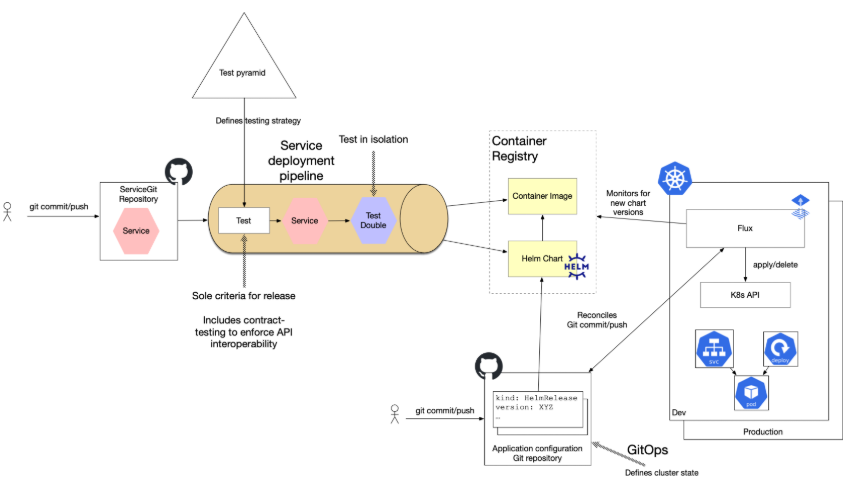
1. Kiến trúc triển khai chuẩn cho Bot Auto Trading


Kiến trúc đầy đủ:
Client / TradingView / AI Model
               ↓
        Nginx Reverse Proxy
               ↓
   Uvicorn/Gunicorn + FastAPI App
               ↓
Execution Engine • Risk Engine • Account Sync
               ↓
DB (PostgreSQL / MongoDB / Redis)
               ↓
Monitoring (Telegram/Zalo/Grafana)
2. Chuẩn bị File Project
Cấu trúc thư mục:
/bot
    ├── main.py
    ├── requirements.txt
    ├── Dockerfile
    ├── docker-compose.yml
    ├── supervisord.conf
    └── app/
         ├── engine/
         ├── risk/
         ├── execution/
         └── config/
3. Viết Dockerfile cho FastAPI Bot
Tạo file Dockerfile:
FROM python:3.11-slim

WORKDIR /app

COPY requirements.txt .

RUN pip install -r requirements.txt

COPY . .

CMD ["uvicorn", "main:app", "--host", "0.0.0.0", "--port", "8000"]
4. Viết docker-compose.yml
version: "3.9"

services:
  bot:
    build: .
    container_name: trading_bot
    ports:
      - "8000:8000"
    restart: always
    environment:
      - API_KEY=xxx
      - API_SECRET=yyy

  nginx:
    image: nginx:latest
    container_name: bot_nginx
    ports:
      - "80:80"
    volumes:
      - ./nginx.conf:/etc/nginx/nginx.conf
    depends_on:
      - bot
5. File nginx.conf – Reverse Proxy


events {}

http {
    server {
        listen 80;
        server_name yourdomain.com;

        location / {
            proxy_pass http://bot:8000;
            proxy_set_header Host $host;
            proxy_set_header X-Real-IP $remote_addr;
        }
    }
}
6. Chạy bot bằng docker-compose
docker-compose up -d
Kiểm tra container:
docker ps
Truy cập:
http://yourdomain.com/docs
7. Cài SSL (HTTPS) bằng Certbot
Nếu chạy trên máy thật, thêm lệnh:
sudo apt install certbot python3-certbot-nginx
sudo certbot --nginx -d yourdomain.com
8. Dùng Uvicorn + Gunicorn để tăng hiệu năng
Tạo file gunicorn_conf.py:
workers = 4
worker_class = "uvicorn.workers.UvicornWorker"
timeout = 120
Dockerfile mới:
CMD ["gunicorn", "main:app", "-k", "uvicorn.workers.UvicornWorker", "-c", "gunicorn_conf.py"]
9. Sử dụng Supervisor để Auto Restart Bot

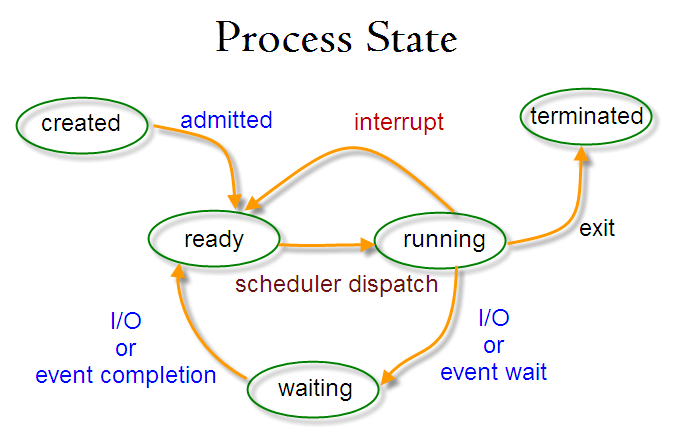
Tạo file supervisord.conf:
[program:trading_bot]
command=python3 main.py
directory=/app
autostart=true
autorestart=true
stderr_logfile=/var/log/bot.err.log
stdout_logfile=/var/log/bot.out.log
Chạy:
supervisord -c supervisord.conf
10. Logging – Bắt toàn bộ hoạt động của bot
Lưu vào file:
import logging

logging.basicConfig(
    filename='bot.log',
    level=logging.INFO,
    format='%(asctime)s %(levelname)s: %(message)s'
)
Lưu vào Database:
- Lệnh vào/ra
- TP/SL
- Lỗi API
- Risk events
11. Monitoring – Theo dõi bot realtime

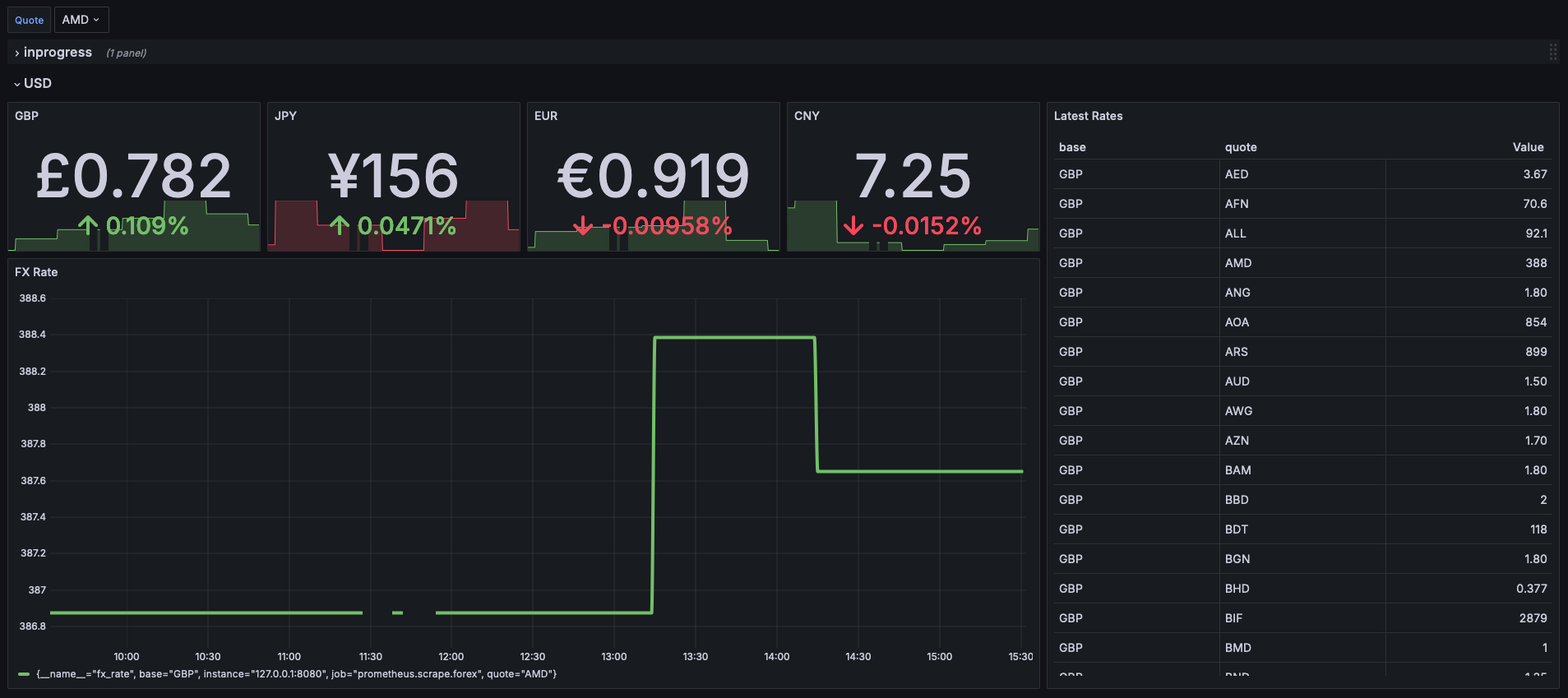

Giải pháp giám sát:
- Telegram Alerts
- Zalo OA ZNS
- Grafana + Prometheus
- Logtail / Datadog
- Health-check API
Ví dụ gửi Telegram khi lỗi API:
async def send_alert(msg):
    await httpx.AsyncClient().post(
        TELEGRAM_URL,
        json={"text": msg}
    )
12. Chống Spam Lệnh & Độ Trễ (Latency)
Để tránh bot mở trùng lệnh:
- Dùng Redis Queue
- Lock theo symbol
- Timestamp tín hiệu
- Kiểm tra vị thế trước khi đặt
Bot production bắt buộc:
- Latency < 100ms
- Xử lý >100 tín hiệu / giây
13. Bảo mật (Security)
✔ Ẩn API Key trong biến môi trường
✔ Giới hạn IP được gọi webhook
✔ Token xác thực Webhook
✔ Bảo vệ bằng Cloudflare
✔ Không commit API Key lên GitHub
14. Kiểm thử trước khi triển khai thực chiến
Stress Test
Backtest
Paper Trade
Forward Test
Sandbox
Real Trading (small size)
Scale Up
15. Kết luận
Một bot auto trading mạnh không chỉ cần:
- Chiến lược tốt
- Risk Engine tốt
- Execution chuẩn
→ Mà còn phải triển khai đúng chuẩn Production, chạy 24/7, không downtime.
Docker + Uvicorn + Nginx + Supervisor là combo mạnh nhất để đảm bảo bot chạy:
- Ổn định
- An toàn
- Tối ưu hiệu năng
- Dễ bảo trì
- Dễ mở rộng